E-commerce is becoming essential to modern business in the digital age. Regardless of experience level or stage of business, having an online presence is critical to success. One of the top e-commerce systems, Shopify, makes it simple for companies to launch, run, and expand their online stores.
But to fully utilize Shopify’s potential and customize it to your requirements, you might need to go beyond the capabilities that come standard with the platform. Here’s where the Shopify API Node comes into play, providing many integration and customization options. We’ll examine the inside workings of the Shopify API Node in this post and show you a thorough how-to for smoothly integrating it into your application.
What is the Shopify API Node?
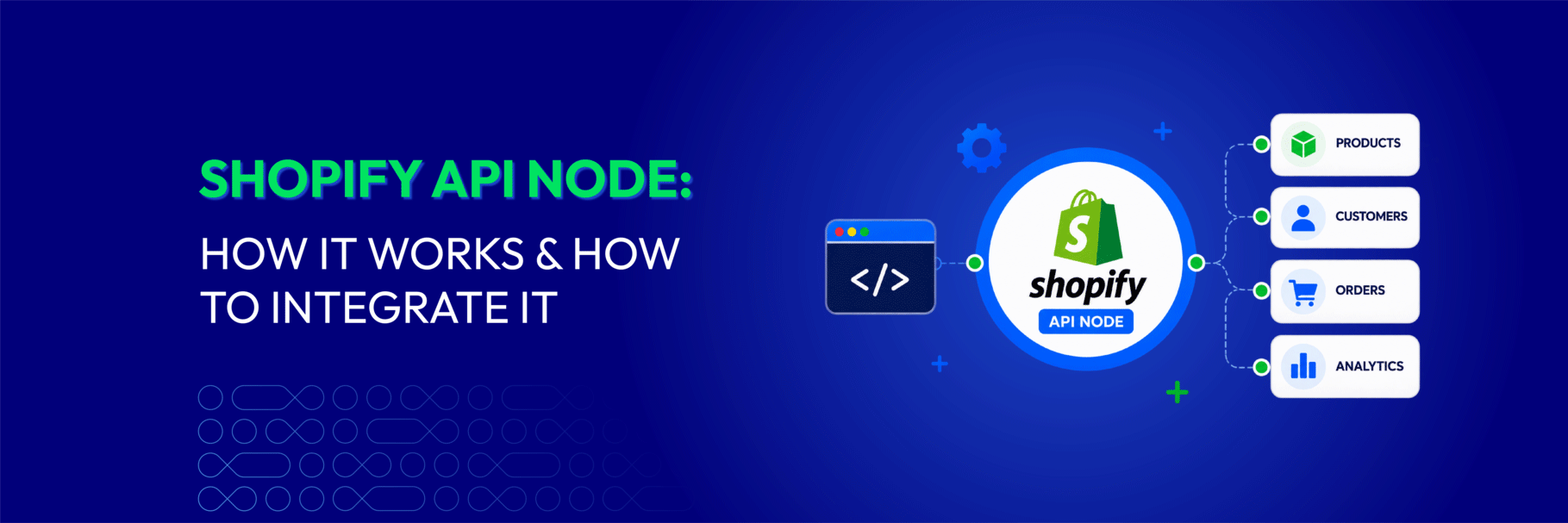
The Shopify API Node is a powerful and versatile tool allowing developers to interact with the platform programmatically. It essentially serves as a bridge between your application and the Shopify ecosystem, enabling you to access and manipulate data within your online store.
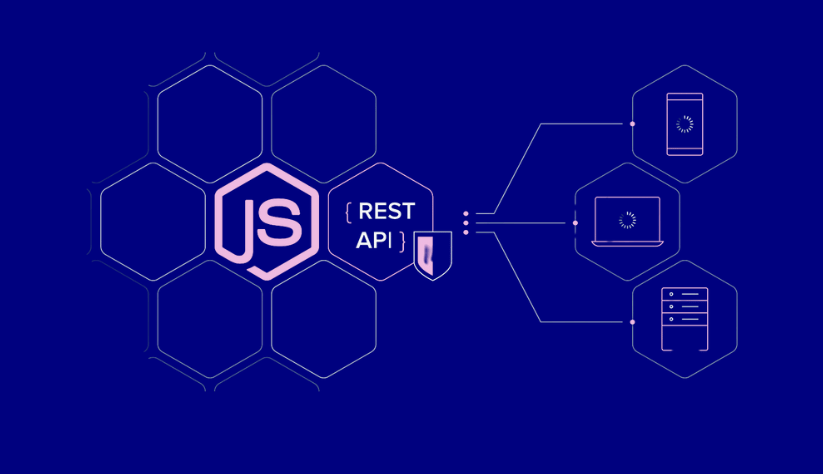
With the help of this API (Application Programming Interface), you can get information about products, process orders, handle customer data, and more right from your application. It also offers a collection of endpoints, methods, and data structures.
Shopify API Node is typically used by developers to create custom integrations, build apps, and extend the functionality of Shopify stores. It empowers businesses to tailor their e-commerce operations to their specific needs, whether streamlining internal processes, enhancing the customer experience, or connecting with other software and services.
Key features of the Shopify API Node include:
- Data Retrieval: You can use the API to fetch a wide range of data from your Shopify store, including product listings, customer details, order histories, and more.
- Data Manipulation: The API allows you to update and modify data within your Shopify store, such as creating new products, changing inventory levels, and processing orders.
- Event Management: You can set up webhooks to receive real-time notifications about specific events in your store, enabling you to react to changes instantly.
- App Development: Developers can create custom apps that extend the functionality of Shopify or build integrations with other services to enhance your e-commerce operations.
- Authentication: Shopify API Node uses OAuth 2.0 for secure authentication, ensuring that only authorized applications can access your store’s data.
By leveraging the capabilities of the Shopify API Node, businesses can create a seamless and tailored e-commerce experience for their customers and streamline their operations. It’s a versatile tool that opens up a world of possibilities for customization and integration within the Shopify ecosystem.
How does the Shopify API Node work?
The Shopify API Node provides a set of endpoints and methods that developers can use to interact with a Shopify store’s data and functionality programmatically. To understand how it works, let’s break down the key components and steps involved:
Authentication To use the Shopify API Node, the first step is to authenticate your application. Shopify uses OAuth 2.0 for authentication, which ensures secure access to your store’s data. You’ll need to register your application in the Shopify Partner Dashboard and obtain API credentials (API key and API secret key). Your application will use these credentials to request authorization from a Shopify store owner.
Authorization After registering your application and obtaining the necessary API credentials, you’ll direct the store owner to an authorization URL where they can log in and grant your application the necessary permissions to access their store’s data. The store owner will be sent to your designated callback URL along with an access token as soon as they approve your application.
API Requests Using the access token, your application can send HTTP requests to the Shopify API endpoints. These requests can be in the form of HTTP GET, POST, PUT, or DELETE, depending on the action you want to perform. Shopify’s API endpoints are organized into various categories, including products, orders, customers, and more.
Data Retrieval & Manipulation Using the API, you can retrieve data from the Shopify store, such as product information, order details, customer data, and more. You can also update and manipulate this data by creating, modifying, or deleting records as needed. For example, you can create new products, adjust inventory levels, or fulfill orders through API calls.
Webhooks Webhooks, which enable your application to get real-time notifications when certain events take place in the store, are supported by Shopify. You can set up webhooks to listen for events like new orders, updated customer information, or changes in product inventory. This enables your application to react promptly to changes in the store.
Error Handling & Rate Limiting The Shopify API Node provides error-handling mechanisms to deal with issues that may arise during API interactions. It’s important to be aware of rate limiting, which restricts the number of API requests you can make in a given timeframe. Properly managing your API requests and handling errors is crucial for a smooth integration.
Testing & Development During the development process, you can test your API calls using development or test stores to ensure that your application functions as expected. This helps in identifying and resolving any issues before deploying your application in a production environment.
Developers can build apps, customize integrations, and expand the functionality of Shopify stores to cater to the unique requirements of businesses and their clientele by following these steps and utilizing the Shopify API Node. It makes automation and data interchange easy, improving the e-commerce experience.
Role of Node.js in Shopify API development
Node.js plays a significant role in Shopify API development by serving as a popular and efficient technology for building custom applications, integrations, and extensions that interact with Shopify stores. Here are several key aspects of how Node.js is used in Shopify API development:
Asynchronous & Non-blocking I/O The event-driven, non-blocking I/O model of Node.js is well-known. This is especially helpful for making API calls to Shopify, as doing so frequently necessitates waiting for responses from outside sources. It is possible for developers to handle Shopify API calls and webhooks with Node.js since it does not impede the execution of other tasks when managing multiple concurrent requests.
RESTful API Integration Shopify’s API is based on RESTful principles, which Node.js is well-suited to work with. Developers can use Node.js to perform HTTP requests (GET, POST, PUT, DELETE) to Shopify’s RESTful API endpoints easily. Popular Node.js libraries like Axios or the built-in http module can be used for making these API requests.
Middleware For Authentication Shopify API authentication typically involves OAuth 2.0, where access tokens are exchanged between your application and Shopify. Node.js can implement the necessary OAuth flows by serving as a middleware layer, managing authentication, and ensuring secure communication between your application and the Shopify store.
Real-time Webhooks Handling With Shopify, you can configure webhooks to get instant alerts when particular things happen in a store. Node.js is a great choice for handling webhooks because it excels at handling real-time, event-driven applications. You can create webhook endpoints in your Node.js application to receive and process incoming webhook payloads from Shopify.
Data Processing & Transformation Node.js is versatile for processing and transforming data received from the Shopify API. You can use it to format and structure data as needed, perform calculations and interact with external services or databases for additional functionality.
App Development Many Shopify apps and extensions are developed using Node.js. These apps increase a store’s functionality by providing extra features or service integrations.
Cross-platform Compatibility Node.js is platform-agnostic and can be used on various operating systems. Applications built with Node.js can run on different platforms, ensuring flexibility in deployment options.
Community & Libraries Node.js has a vibrant and active developer community, which means there are many open-source libraries and modules available to simplify Shopify API development. Developers can leverage existing packages to speed up development and enhance functionality.
In summary, Node.js is a valuable technology for Shopify API development due to its non-blocking, event-driven architecture, ease of handling RESTful API requests, support for real-time webhooks, and its ability to process and transform data efficiently.
How to Create a Shopify Node API Project?
Creating a Shopify Node API project involves several steps to set up your development environment, establish secure communication with Shopify, and test your application. Here is a step-by-step guide:
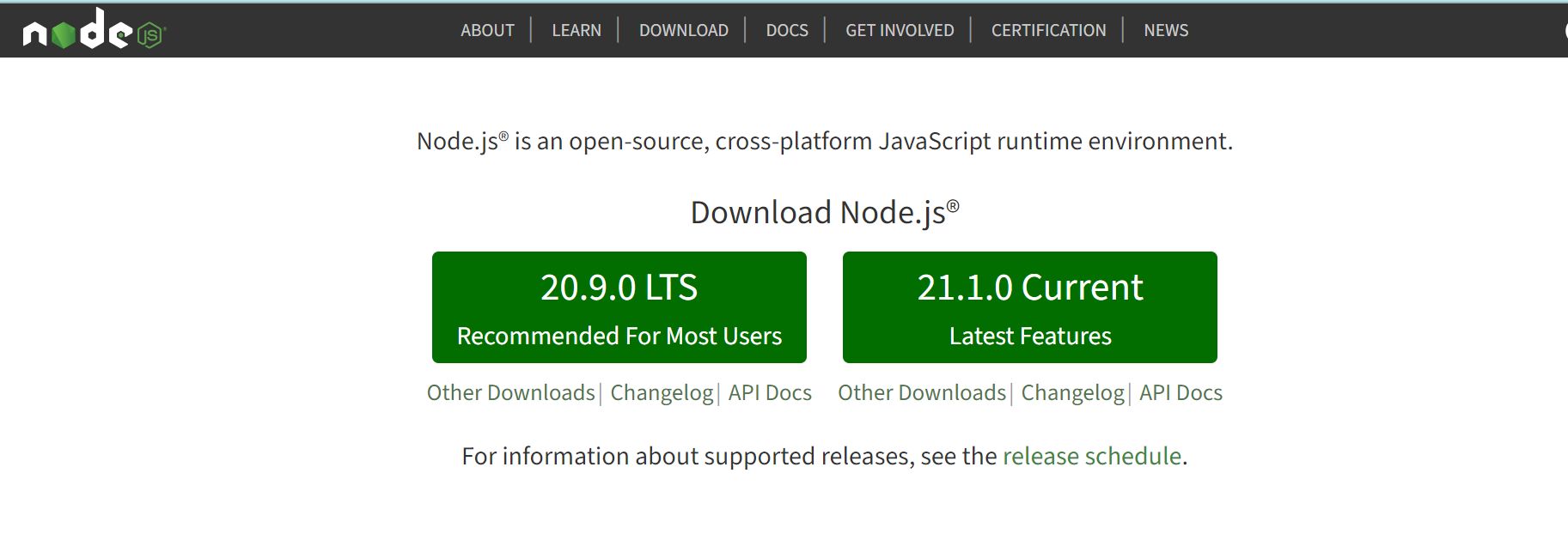
Step 1: Install Node.Js
Ensure you have Node.js and NPM (Node Package Manager) installed on your computer. You can get and install them from the official Node.js website: https://nodejs.org/
Step 2: Produce an Index.js file and a project folder
Create a new folder for your Shopify Node API project.
Inside the project folder, create an index.js file, which will act as your application’s entry point.
Step 3: Set up Ngrok to build a tunnel from the public internet
Download and install Ngrok (https://ngrok.com/download) if you haven’t already.
Start a Ngrok tunnel to expose your local server to the public internet. Run the following command in your terminal, replacing 3000 with the port your Node.js application is running on:
Ngrok will provide a public URL that you will use to set up your Shopify app.

Step 4: Access your Shopify developer account
Log in to your Shopify Partner or Developer account (or create one if you don’t have it) at https://partners.shopify.com/.
Step 5: Use your shop secret key to authenticate your app
In your Shopify Developer account, create a new app or select an existing one. Obtain the shop secret key or access token that you’ll use to authenticate your app with the Shopify store. These credentials will be used in your Node.js application to make secure API calls.
Step 6: Update your Shopify API key and secret key
In your index.js file, update your Shopify API key and secret key, which you received when you registered your app with Shopify:

Step 7: Enter the shop name and Ngrok URL
In your index.js file, enter the shop name (the Shopify store’s domain) and the Ngrok URL.
Start your Node.js application by running node index.js. You can then test your application locally, and Ngrok will route requests from Shopify to your local server. Ensure that you’ve properly configured webhooks and OAuth authentication for your application in your Shopify developer account to receive real-time data and secure access.
By following these steps, you’ll have the foundation for a Shopify Node API project that can interact with Shopify stores securely and efficiently. You can then build on this foundation to create custom integrations and applications for Shopify-powered e-commerce.

What are common issues when using Shopify API?
Using the Shopify API can be a powerful way to extend and customize your e-commerce store, but it’s not without its challenges. Here are some common issues that developers and businesses may encounter:
Authentication & Authorization Issues
- Authentication errors: Incorrect API keys, access tokens, or shop names can lead to authentication failures.
- OAuth flow complexities: Setting up OAuth authentication and handling the flow correctly can be challenging, especially for developers new to OAuth 2.0.
Rate Limiting
- Shopify enforces rate limits on API requests. Exceeding these limits can lead to temporary or permanent restrictions on API access, impacting your application’s functionality.
Webhook Challenges
- Setting up and maintaining webhooks can be complex. Issues with webhook registration, verification, or handling of incoming data can disrupt real-time event notifications.
- Delivery and reliability: Webhook delivery is asynchronous and not guaranteed. Handling missed webhooks or ensuring data consistency can be a challenge.
Data Management
- Shopify’s API can return a significant amount of data, which may need to be filtered, processed, and stored efficiently. Managing large data sets can be resource-intensive and may require careful planning.
- Data synchronization: Keeping data synchronized between your application and Shopify can be complex, especially for inventory, orders, and product data.
API Versioning
- Shopify periodically introduces new API versions and deprecates older versions. Ensuring your application remains compatible with the latest API version and handling version updates can be a maintenance challenge.
Security Concerns
- It’s critical to protect sensitive data, including access tokens and API keys. Data breaches and unauthorized access may arise from failing to do this.
- If not properly addressed, vulnerabilities such as cross-site scripting (XSS) and cross-site request forgery (CSRF) can present security risks.
Error Handling

- Properly handling errors returned by the API is crucial. Incomplete or incorrect error handling can lead to unpredictable application behavior and user frustration.
App Performance
- Inefficient API requests, database queries, or code can lead to slow application performance. Performance optimization may be necessary, especially for applications with a large user base or heavy traffic.
To address these common issues when using the Shopify API, it’s essential to stay updated with Shopify’s developer documentation, follow best practices, and leverage available tools and libraries. Making sure your Shopify-powered apps and integrations operate reliably and efficiently also requires regular testing, monitoring, and upkeep.
Conclusion
As you embark on your journey to leverage the Shopify API with Node.js, remember that continuous learning, staying updated with best practices, and adhering to security and performance optimization will be your guiding lights.
With dedication and innovation, you can create custom integrations, build unique applications, and provide an unmatched e-commerce experience for your customers.
In the dynamic world of online retail, the Shopify API and Node.js are your companions on the path to e-commerce excellence. Embrace the challenges, celebrate the victories, and watch as your online store reaches new heights of success and customer satisfaction. Your journey has just begun, and the possibilities are limitless.