Configure time limits for login sessions
Configure time limits for login sessions
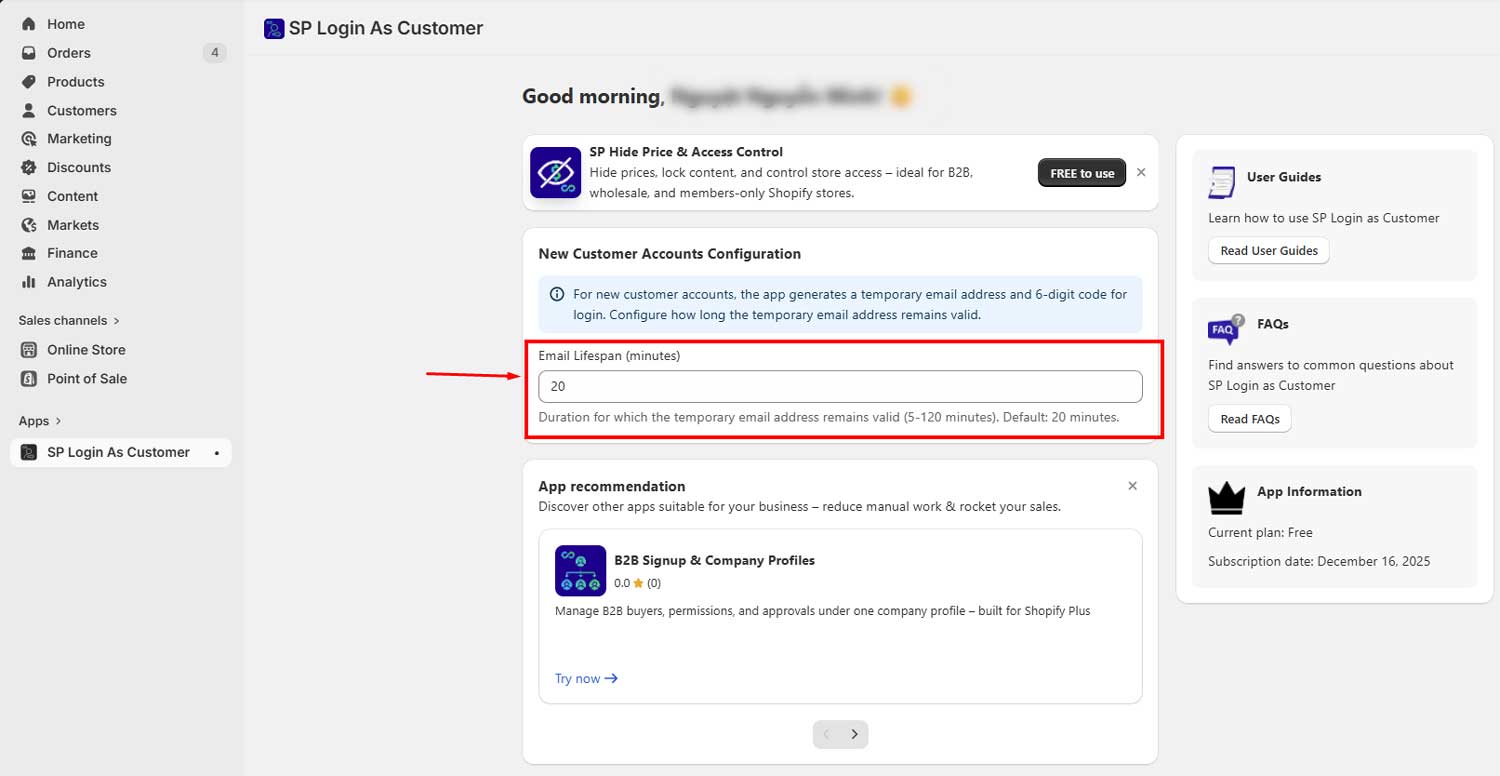
In your app settings, you can decide how long temporary emails remain active.
- Default: 20 minutes
- Supported range: 5–120 minutes
After this time, the app will:
- Restore the customer’s original email
- Expire the verification code
This protects the customer’s access if staff forget to restore it manually.