Settings
Settings
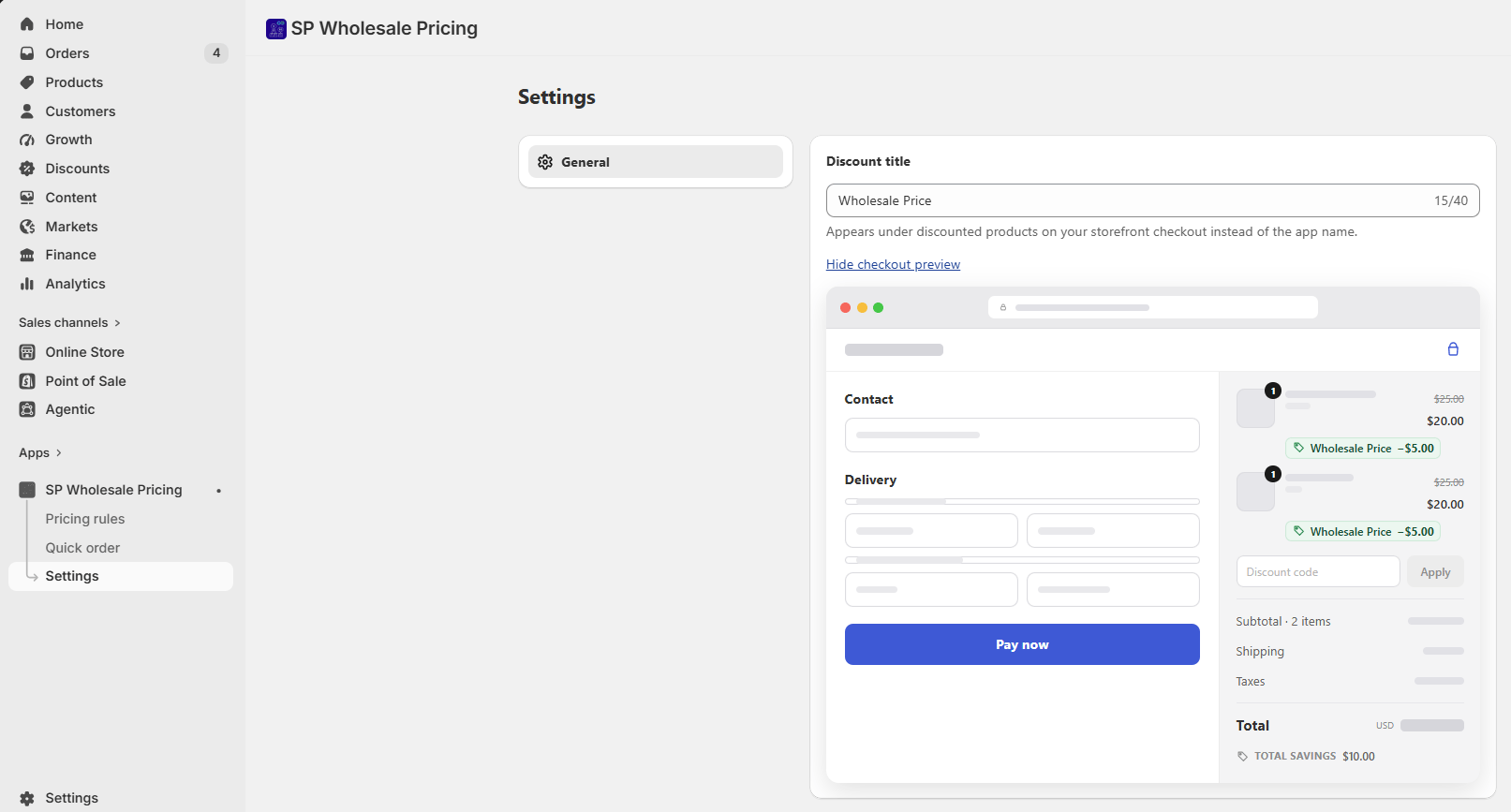
The Settings screen lets you control how your wholesale discount appears to customers at checkout.
Customize your checkout discount label
When a customer gets a wholesale price, they’ll see a label next to the discounted item at checkout. By default this shows the app name, but you can change it to anything that fits your brand — like “Wholesale Price” or “Member Discount.”
To update it:
- Go to Settings in the app.
- Find the Discount title field and type your label.
- Click Show checkout preview to see how it looks before saving.
- Click Save when you’re happy with it.
💡 Tip: Keep the label short and clear so customers immediately understand why their price is different. Something like “Wholesale Price” or “VIP Price” works well.