Overview
Introduction
MP Wishlist & Favorites adds a wishlist to your Shopify store. Shoppers tap a heart on a product page or a product card to save it, then come back later to review their saved items and add them to cart.
Every save keeps the exact variant the shopper picked, so the right size and color is waiting for them when they return. Shoppers don’t need an account to start saving, and when they log in, the items they saved as a guest move into their account.
The app runs through a Shopify app embed, so you can turn it on from the theme editor without editing theme code. MP Wishlist & Favorites is free, with every feature included.
MP Wishlist & Favorites benefits
- Keep shoppers coming back: Shoppers who aren’t ready to buy can save an item in one tap instead of leaving and forgetting it. Their wishlist gives them a reason to return to your store.
- Save the exact size and color: Each save is tied to the variant the shopper selected. When they come back, they see the same option they chose, not just the product.
- No account needed to start: Guests can save items right away. When they log in, their saved items move into their account, so nothing is lost.
- Turn saved items into orders: The wishlist page shows each item’s price and stock status, with an Add to cart button on every item and an Add all to cart button at the top.
- Learn what shoppers want: See your most saved products and which logged-in customers are saving what, so you can plan stock, promotions, and merchandising.
Highlight features
- Show a wishlist button on product pages: below or above the Add to cart button, or as an icon on the product image.
- Show a wishlist button on product cards in collection pages, the home page, and other product grids: as an icon on the image or a text button under the product details.
- Choose a heart, star, or bookmark icon, then set the colors, button text, corners, and width to match your brand.
- Add a wishlist shortcut so shoppers can open their saved items, with an optional counter that shows how many items they’ve saved.
- Customize the wishlist page: page title, empty wishlist message, grid or list layout, items per row, prices, and Add to cart buttons.
- Show stock status for every saved item, including Sold out and low-stock badges.
- Preview every change on your real products, on desktop and mobile, or turn on Live storefront to see the buttons on your live store pages.
- Let the app automatically match wishlist button positions to your theme with Match with your theme.
- See your most saved products, how many customers and guests are saving, and what each logged-in customer has saved.
How to install MP Wishlist & Favorites
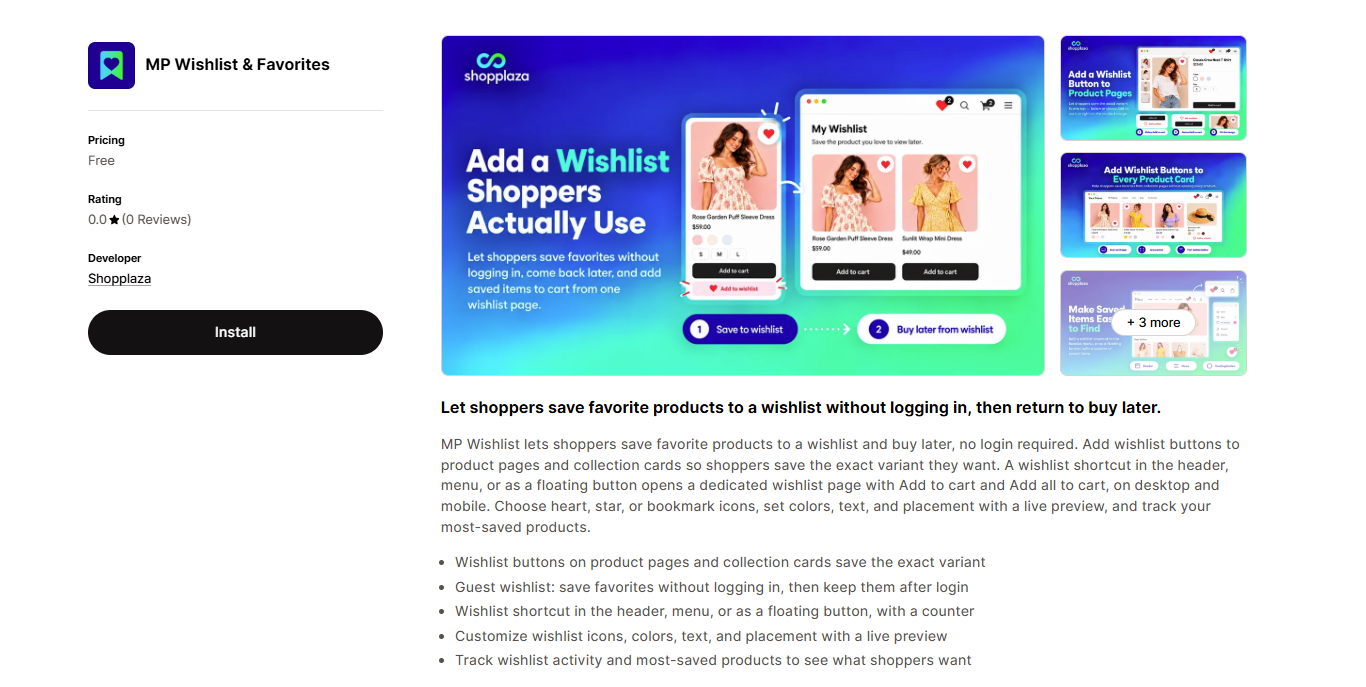
Go to the MP Wishlist & Favorites page on the Shopify App Store and click Install.
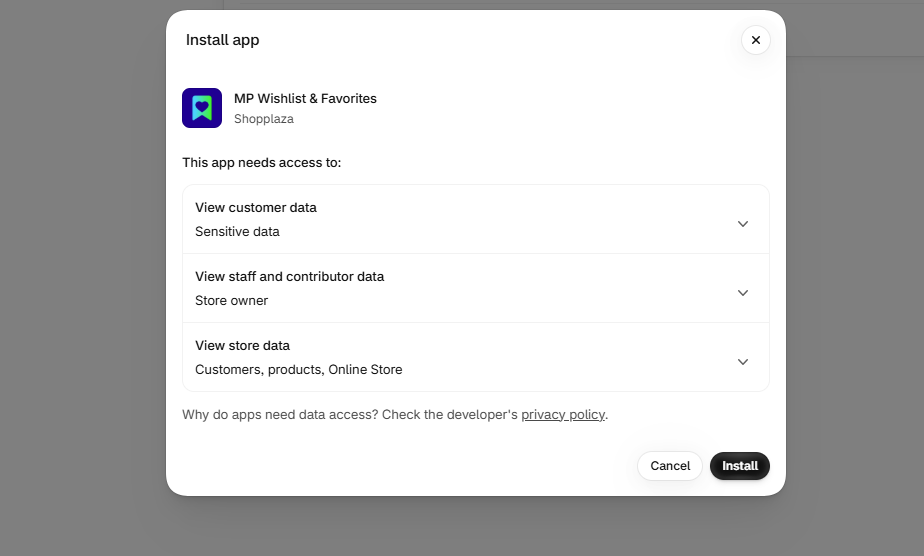
You’ll be taken to Shopify’s installation screen, which lists the data the app needs to access. Click Install once more to finish.
The app now appears in your Shopify admin under Apps. No payment information is needed.
Once installed, follow How to set up MP Wishlist & Favorites to get the wishlist live on your store.
⚠️ Note: Please make sure to read our privacy policy before completing the installation.