How to manage Instagram/TikTok feed
Once you have connected the account and set up your feeds, it’s important to learn how to manage them. We will guide you on how to add a new feed, activate, deactivate, and delete one.
From your Shopify admin, open MP Instagram Feed. On the home dashboard you’ll find the Manage feed card with Recent Feeds.
Click the Create feed button to create an Instagram/TikTok feed.
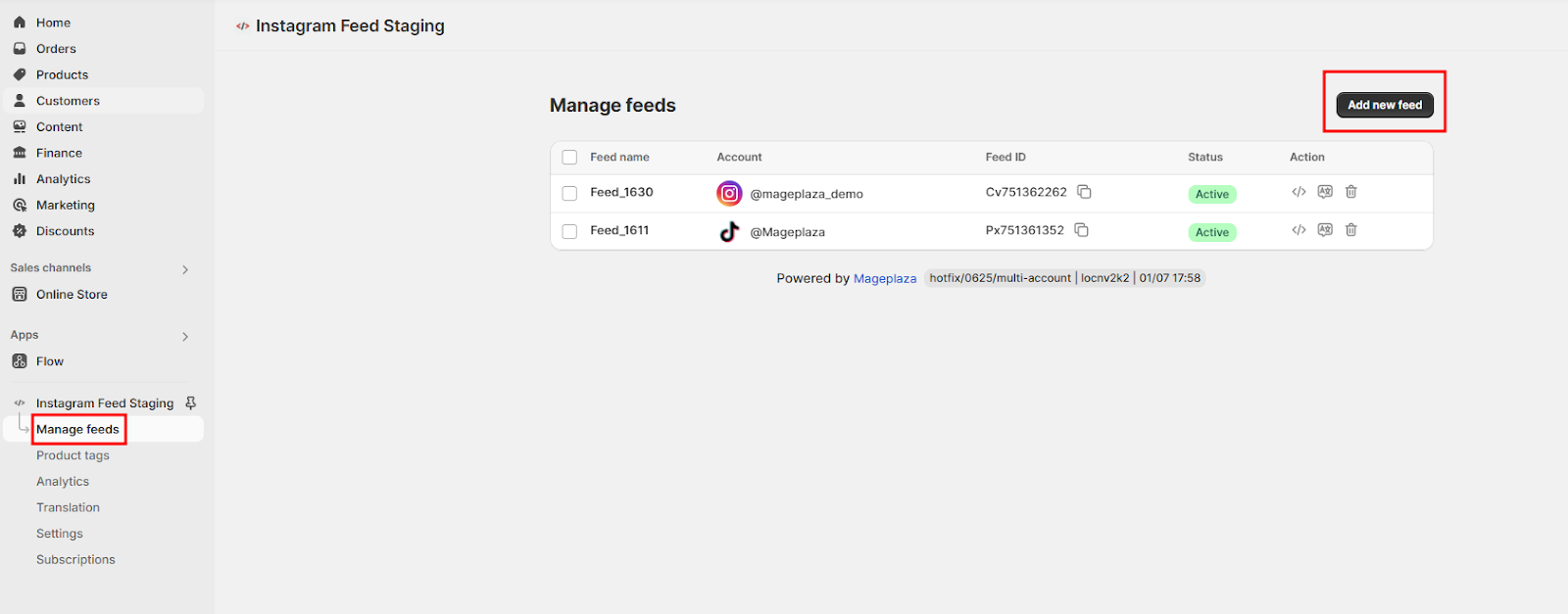
Edit feeds: Click on any feed to edit and update feed information.
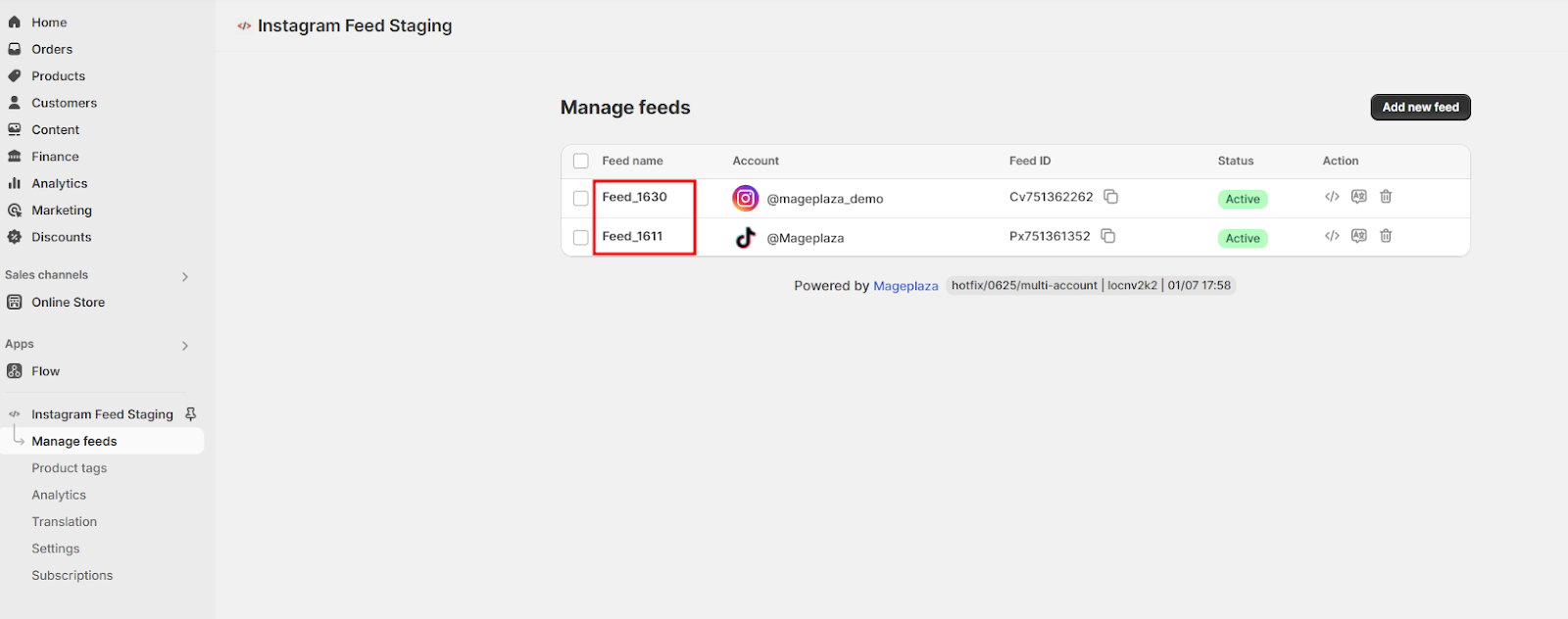
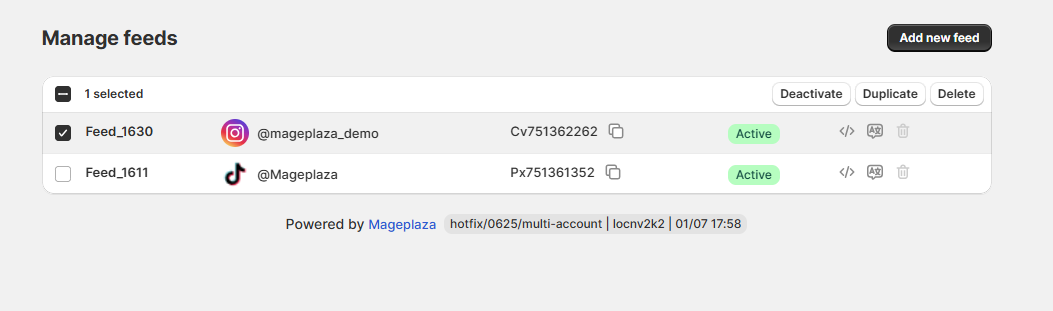
Click the three-dot icon, select one of the available actions: Translate feed, Duplicate, Delete.
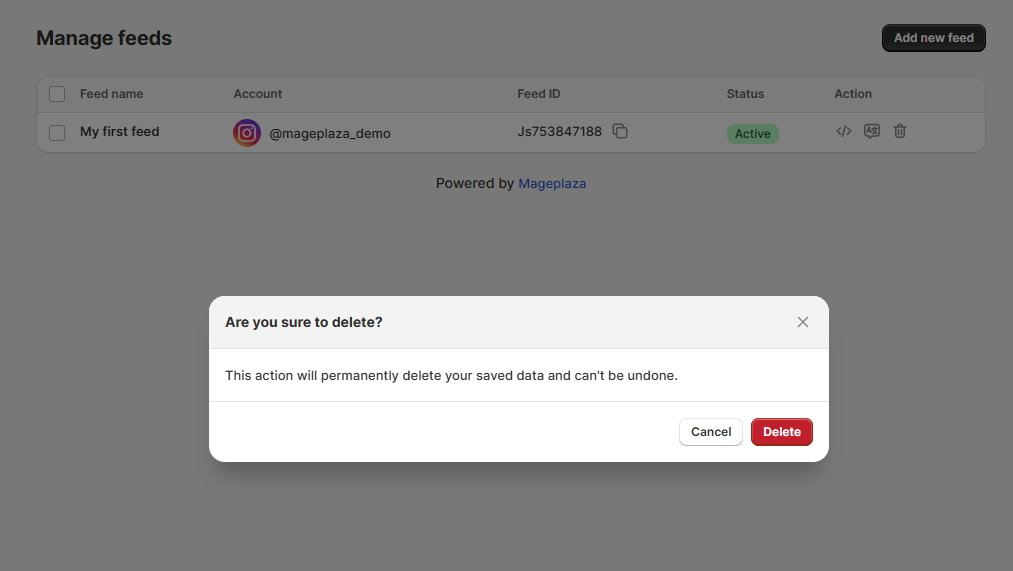
- Delete: delete the feeds. On the confirmation popup, select Delete to confirm the deletion or Cancel to retain the feed.
- Duplicate: Create an exact copy of an existing feed, including its settings and media, to reuse or modify without starting from scratch.
- Translate feed: Translate the feed content into another language.
After clicking the Translate feed icon, there are two possible scenarios:
If Translation is not yet enabled, you will be redirected to the Translation page.
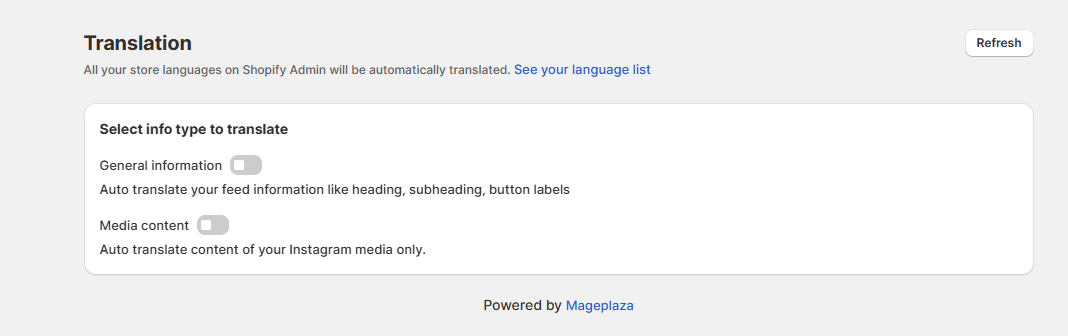
At this point, you need to enable General Information and Media Content (Instagram only).
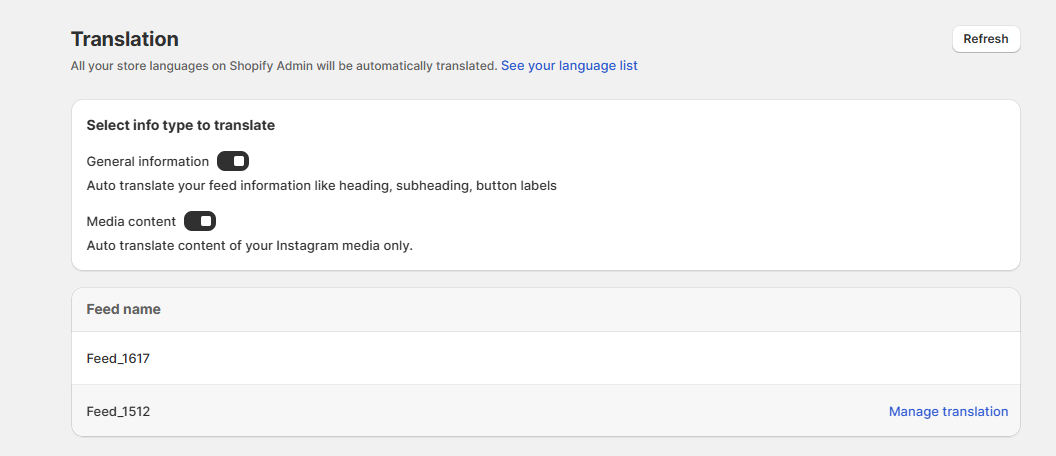
Then, select the feed you want to translate by clicking Manage Translation. A modal will appear as shown in the image:
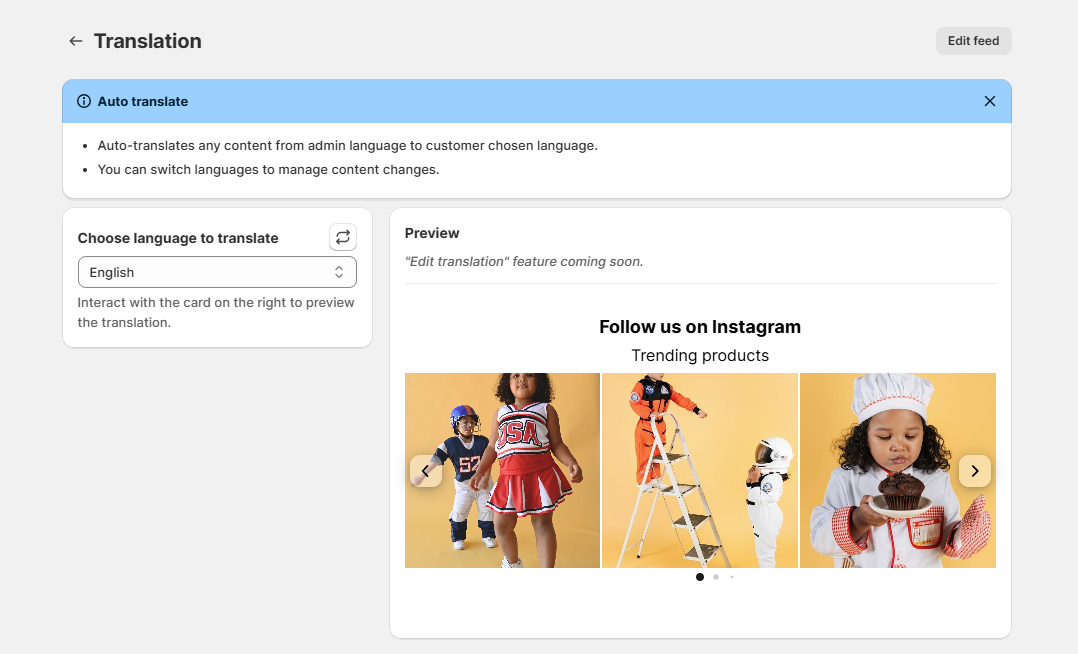
If translation is already enabled, clicking the Translate feed icon will open a feed information model directly, as shown in the image: