What layout options are available in MP Instagram Feed and how do I select the best fit for my storefront
What layout options are available in MP Instagram Feed and how do I select the best fit for my storefront
MP Instagram Feed offers 11 layout options to help you display Instagram posts or TikTok videos in the style that best matches your store’s design and customer experience. Each layout has unique strengths, allowing you to choose the one that fits your goals.
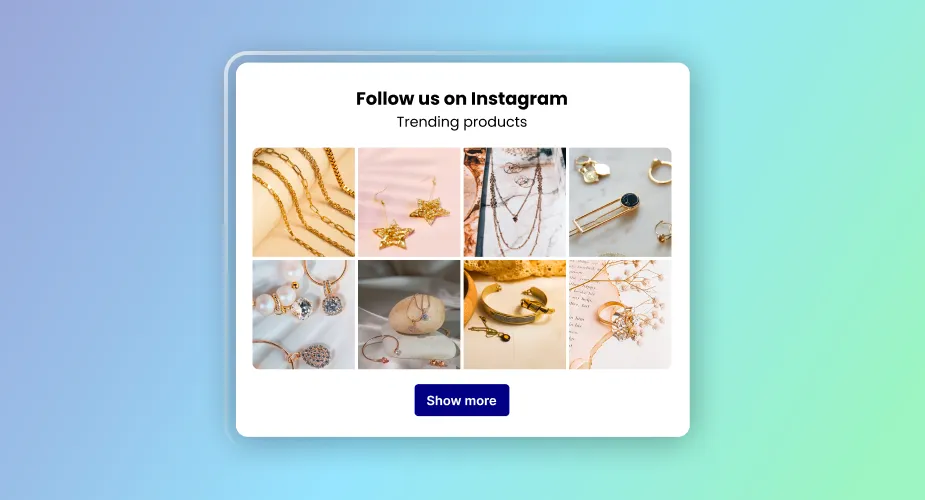
1. Grid
- Posts are displayed in rows and columns.
- Best for: A clean and simple look where all posts are shown equally. Works well for showcasing a large number of posts at once.
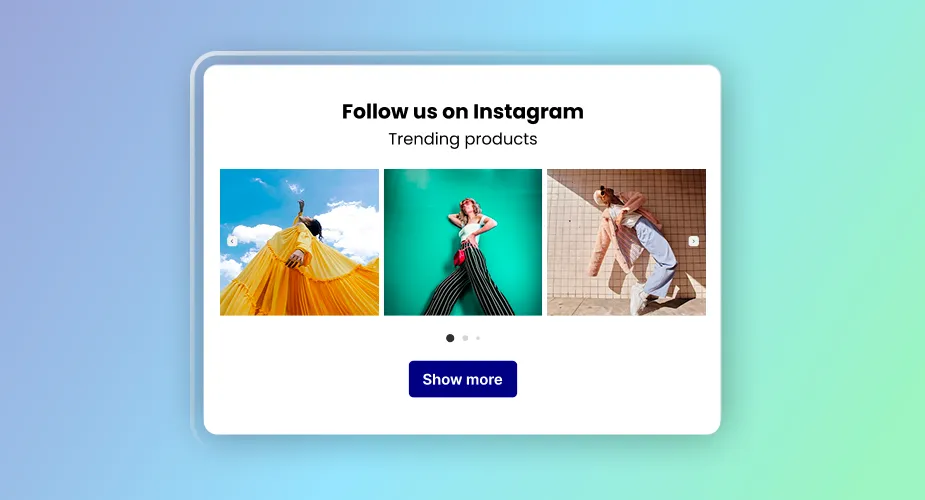
2. Slider
- Posts are shown in a horizontal slider format that customers can swipe through.
- Best for: Stores that want an interactive, modern feel with minimal space usage while still showing multiple posts.
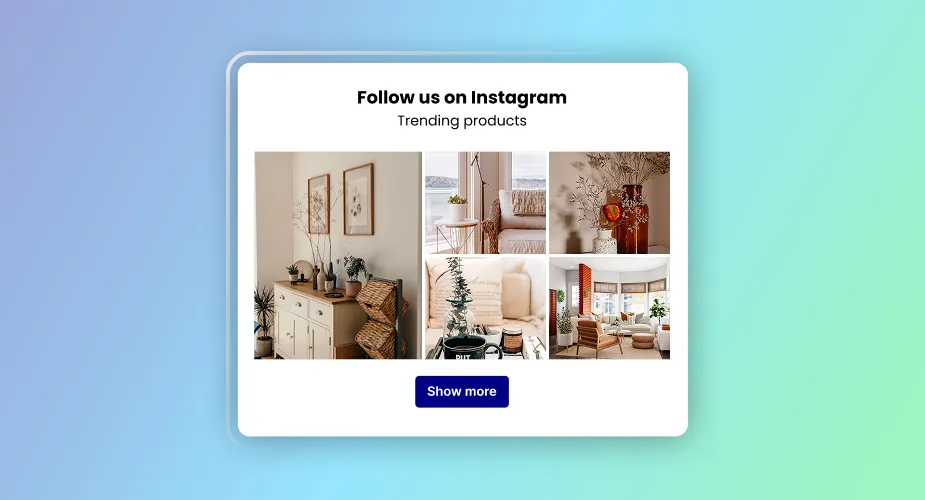
3. Highlight
- One main post is featured prominently, with additional posts arranged after it.
- Best for: Drawing attention to a specific post or campaign while still showing related content.
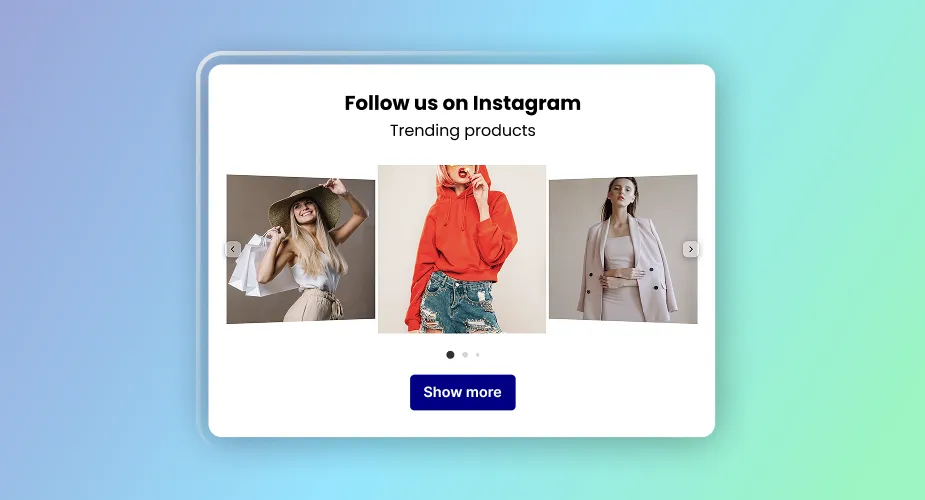
4. Coverflow
- Posts are displayed in a 3D-style interactive carousel. The center post is emphasized while others smoothly flow to the sides.
- Best for: Stores aiming for a visually striking, dynamic presentation that grabs customer attention.
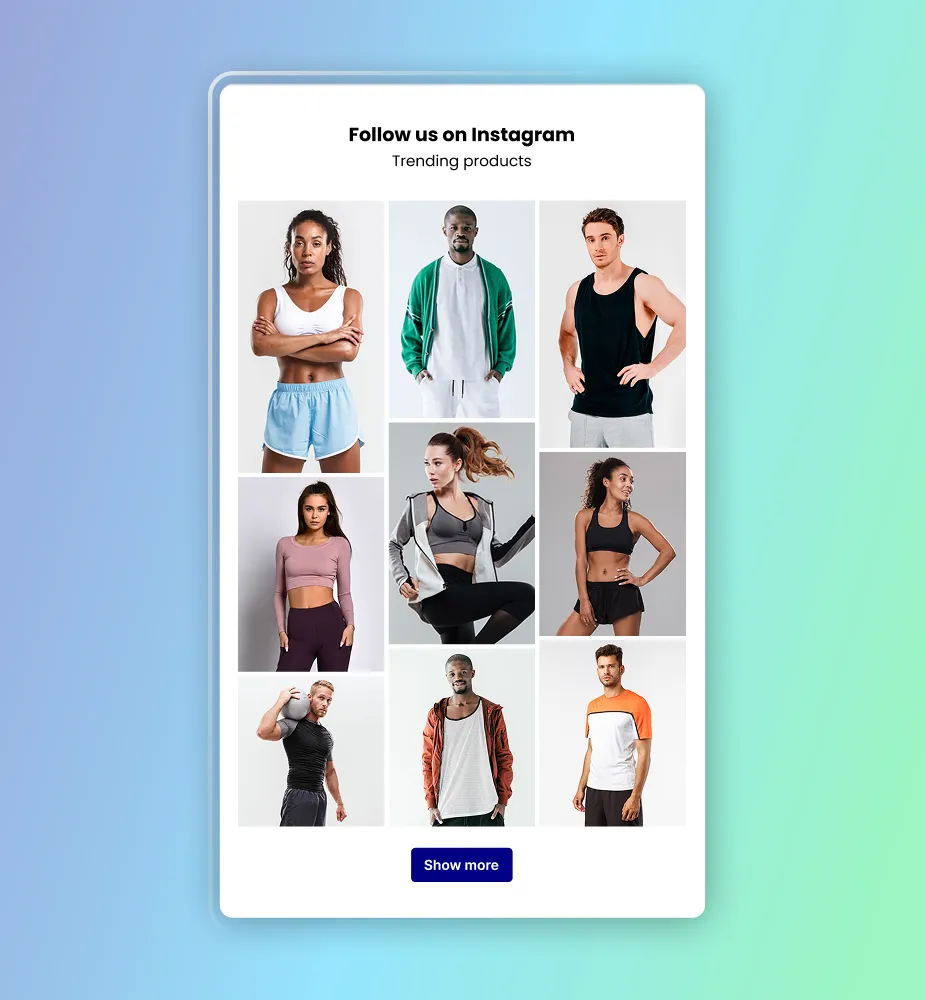
5. Masonry
- Posts are displayed in a staggered grid with variable heights, creating a Pinterest-like visual flow.
- Best for: Stores with diverse content (images/videos of different sizes) that want a creative, editorial-style layout.
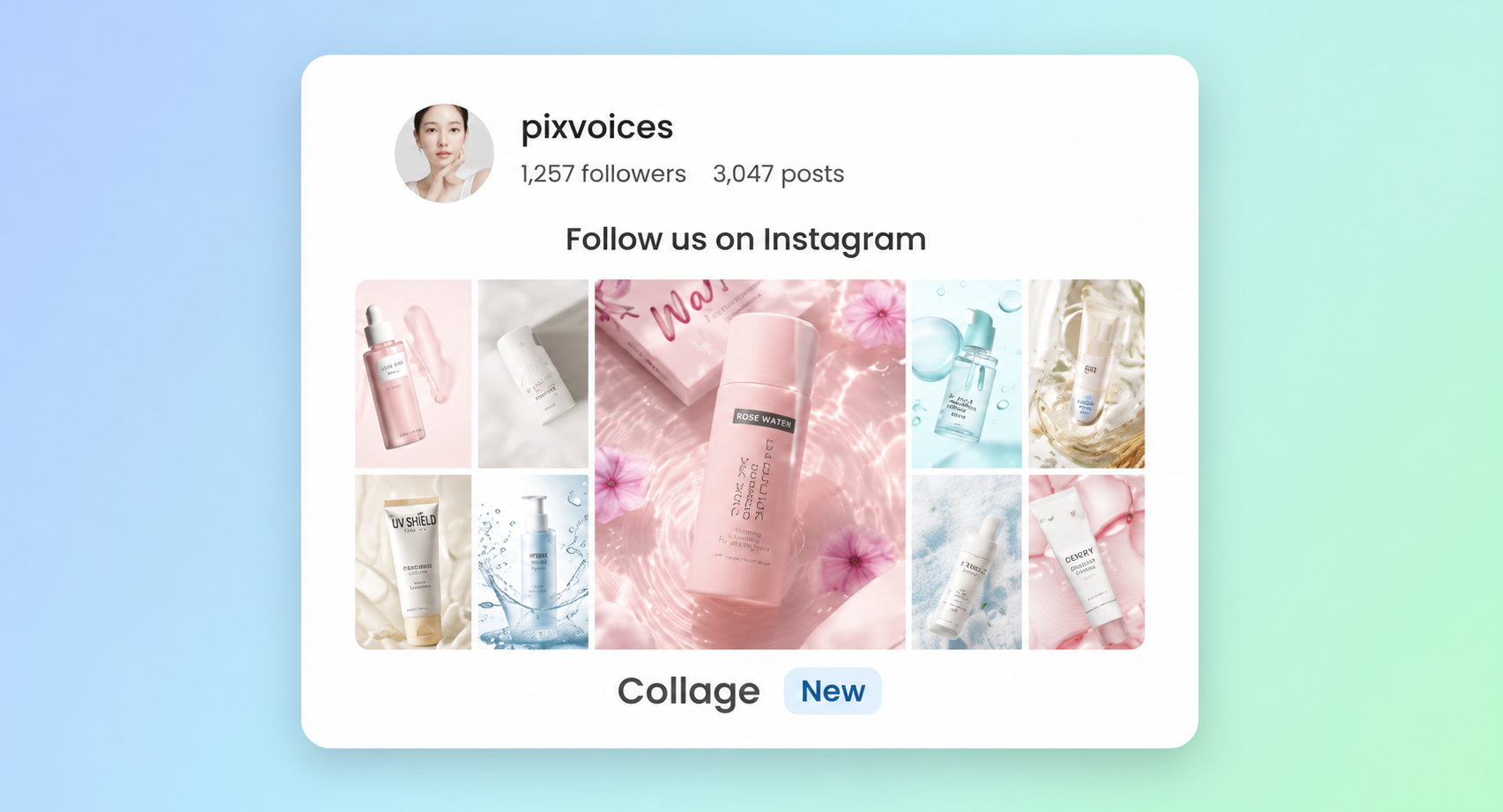
6. Collage
- Posts are arranged in a collage-style layout with different image sizes and positions.
- Best for: Stores that want a more visual, lifestyle-focused display instead of a standard feed. Works well for fashion, beauty, home decor, accessories, and brands with strong visual content.
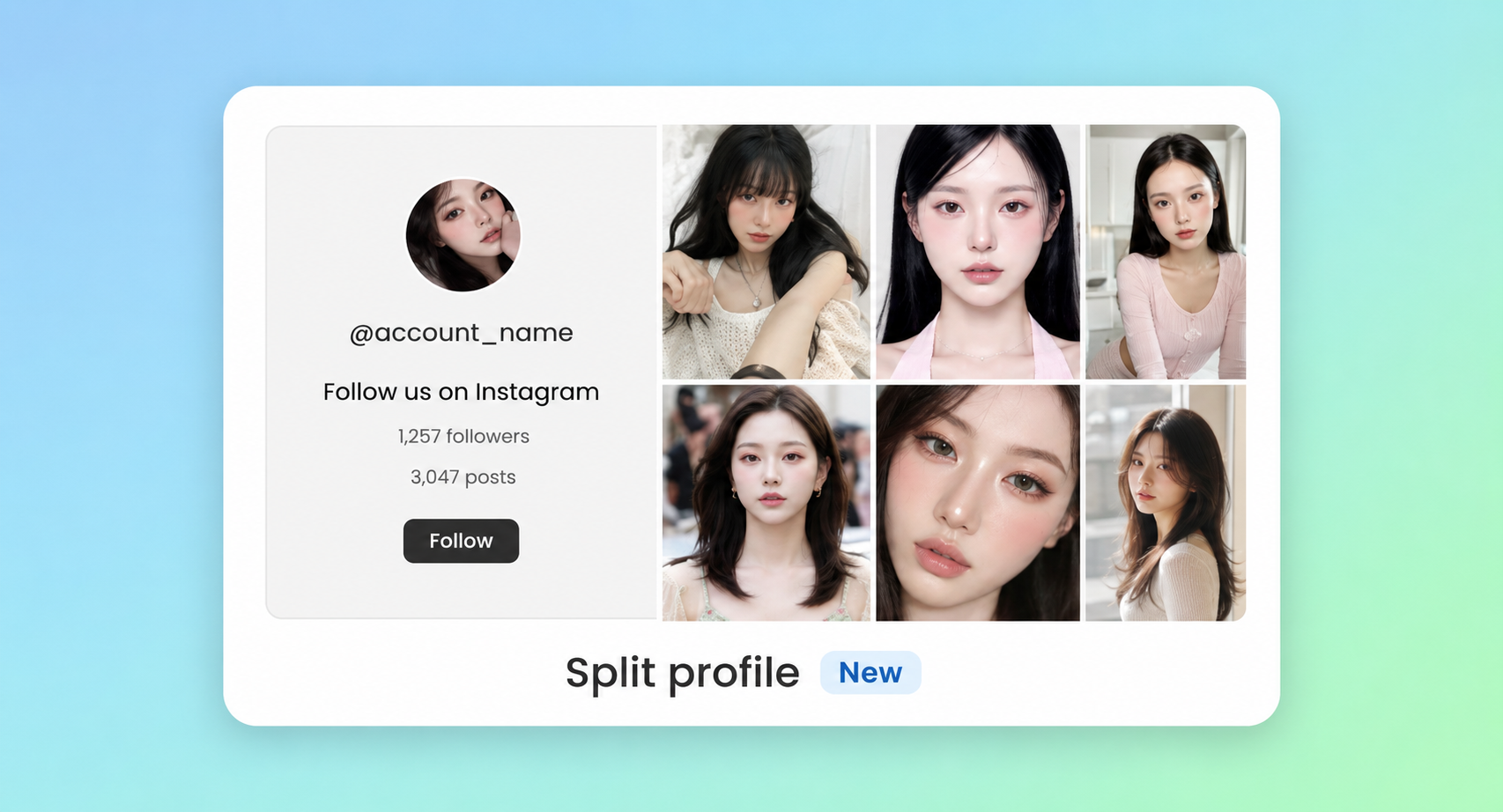
7. Split profile
- The Instagram profile information is shown on one side, while feed posts are displayed on the other side.
- Best for: Stores that want to highlight their brand profile, follower presence, and social identity along with their posts. This layout is useful when you want customers to recognize and follow your Instagram account, not just view individual posts.
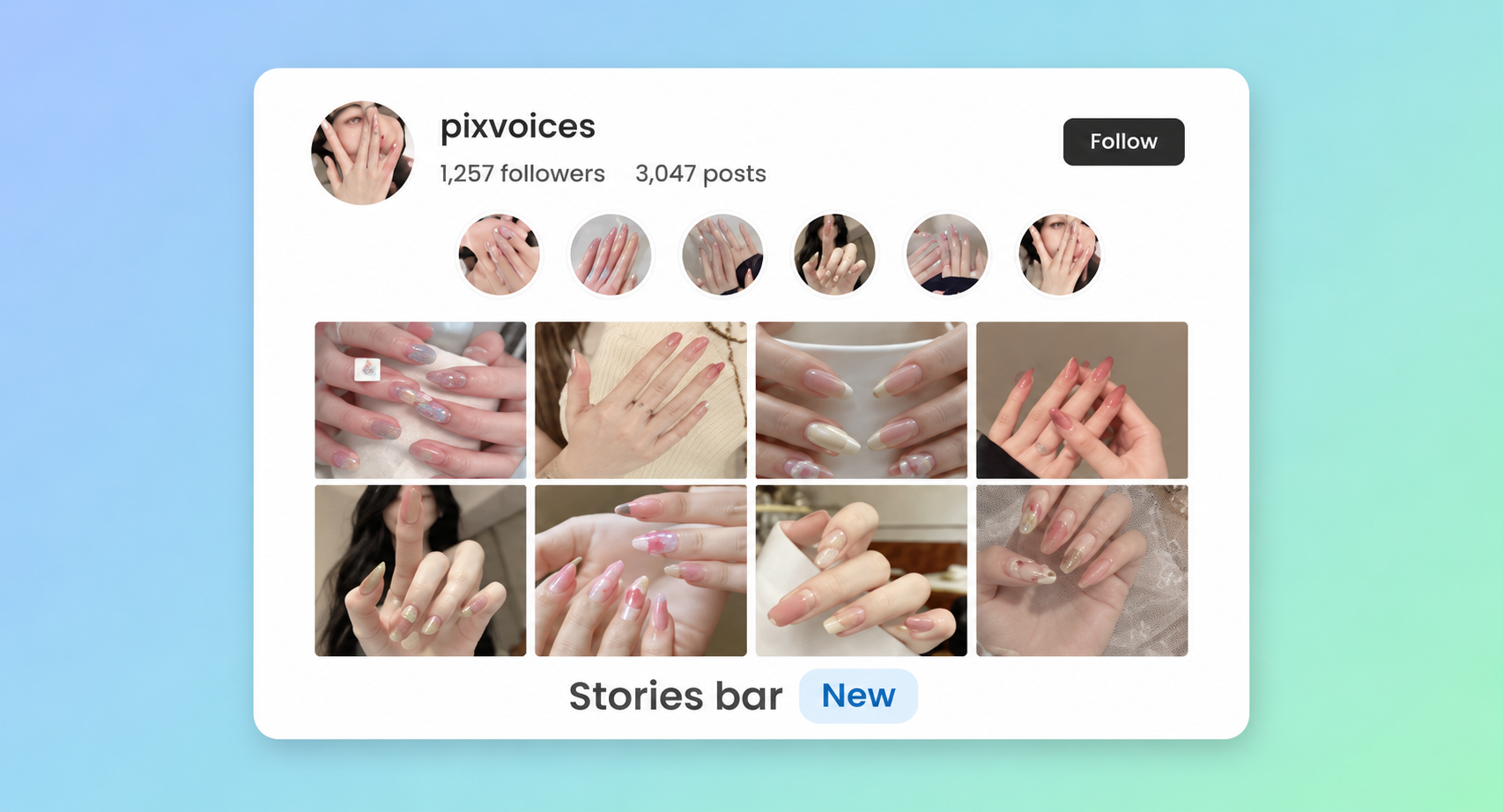
8. Stories bar
- Posts are displayed in a compact stories-style bar, similar to the Instagram Stories experience.
- Best for: Stores that want a familiar social media look and a lightweight feed that fits well near the top of a page, product page, or homepage section. Works well for promotions, new arrivals, UGC, and quick visual updates.
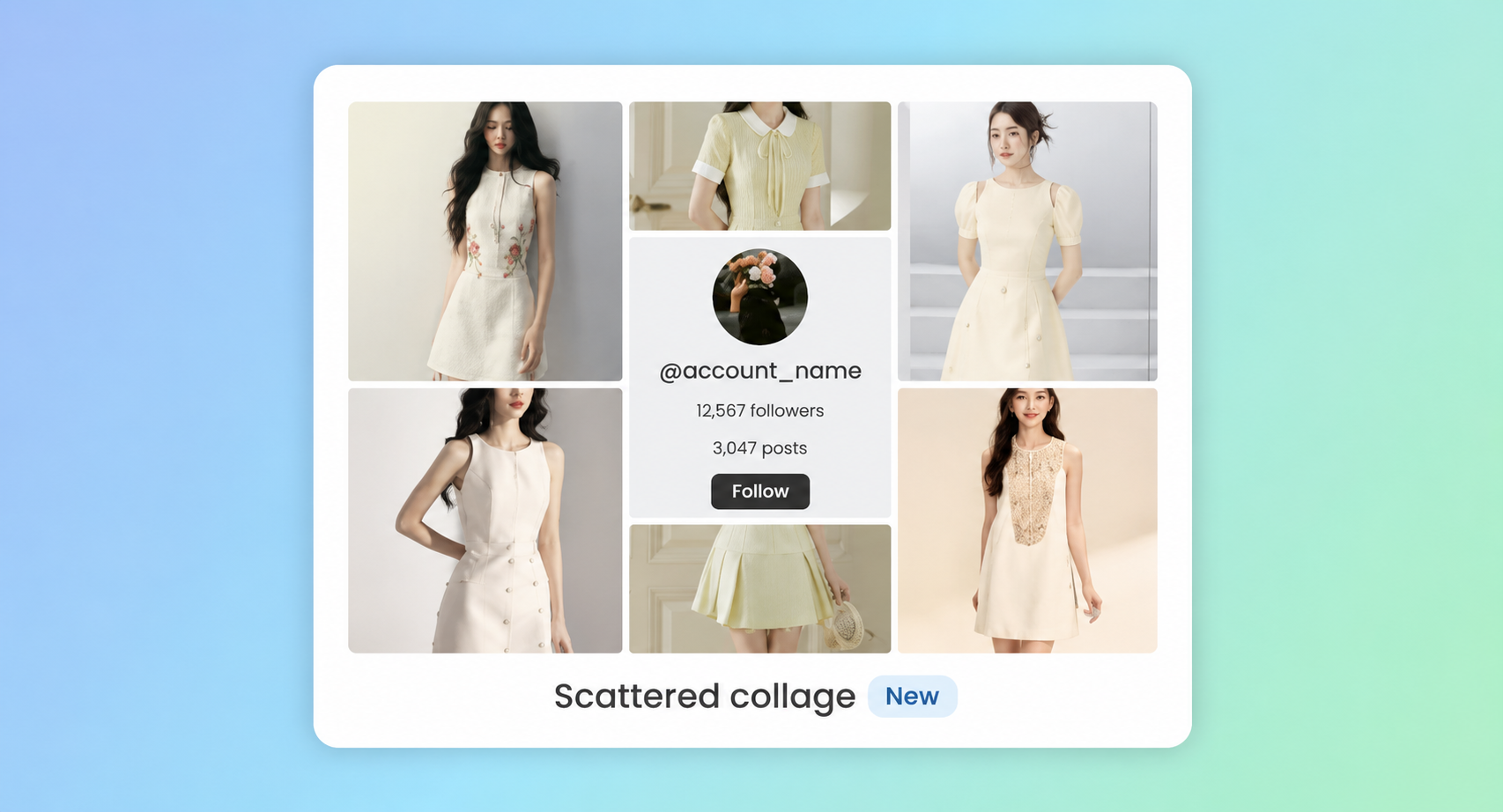
9. Scattered collage
- Posts are displayed in a playful scattered layout, with images placed in a more free-form and creative arrangement.
- Best for: Stores that want a bold, eye-catching section with a lifestyle or campaign feel. This layout is suitable for brands that want their feed to look less structured and more expressive.
10. Product bar
- Posts are displayed in a horizontal bar with the tagged products shown alongside the media, so shoppers can see the item and its price without opening the post first.
- Best for: Stores that want the feed to work as a shopping row rather than a gallery. Works well on product pages, collection pages, and below-the-fold homepage sections where the goal is to move shoppers straight to a product.
11. Shop cards
- Each post is presented as a card that combines the media with product details, so the feed reads like a set of shoppable product cards instead of a photo grid.
- Best for: Stores that want the feed to look like part of the storefront’s product listing. Works well for brands whose Instagram content is mostly product-led, and for campaign or lookbook sections where every post maps to something buyable.
How to choose the best layout for your store
- Grid → If you want consistency and clarity.
- Slider → If you need to save space but keep feeds engaging.
- Highlight → If you want to feature a hero post or campaign.
- Coverflow → If you want a bold, modern, interactive effect.
- Masonry → If you want a visually dynamic feed that feels natural and creative.
- Collage → If you want a lifestyle-focused visual section that feels more designed than a standard feed.
- Split profile → If you want to promote your Instagram profile and encourage customers to follow your brand.
- Stories bar → If you want a compact, familiar social-style layout for quick updates, promotions, or UGC.
- Scattered collage → If you want a playful, eye-catching feed section for campaigns, lookbooks, or highly visual brands.
- Product bar → If you want the feed to act as a shopping row, with products and prices visible next to the media.
- Shop cards → If your posts are mostly product-led and you want the feed to look like part of your product listing.
Wrap up
The layout settings (number of media, rows, columns, spacing, and more) allow you to customize every layout further. Test different layouts to see which one best aligns with your store’s branding and customer experience.